
Flowjin
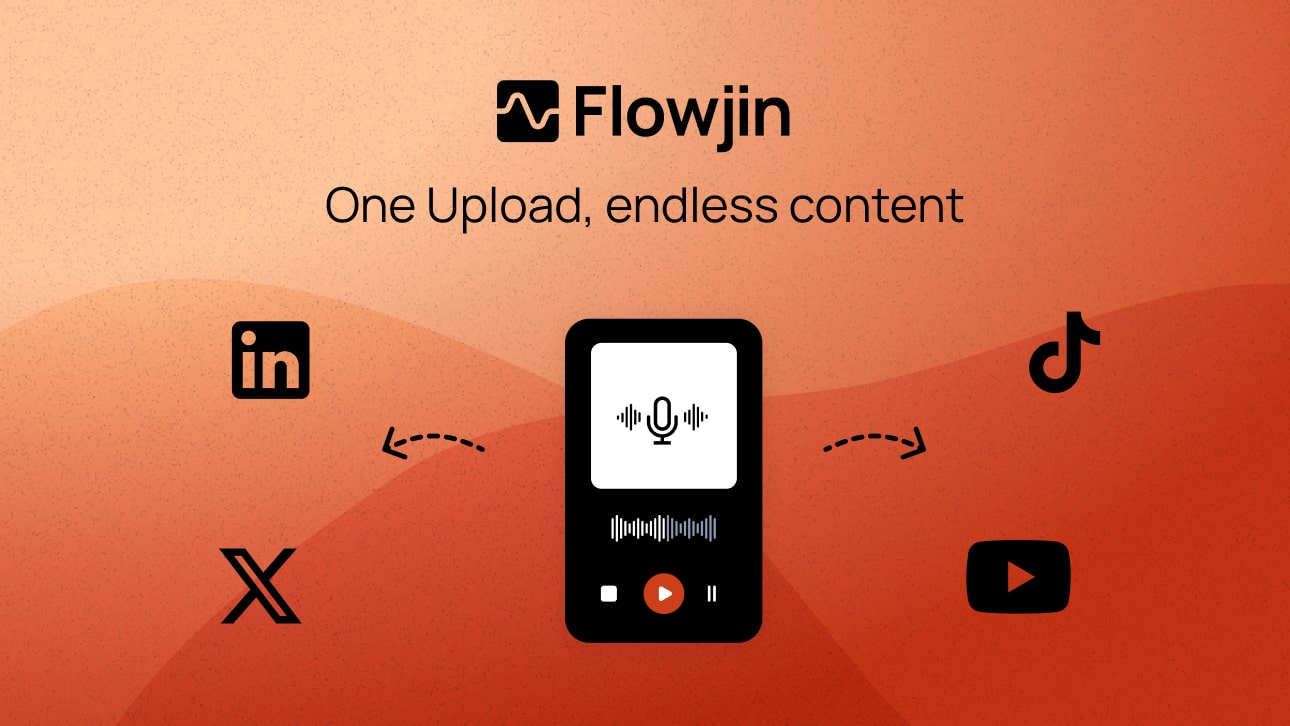
Turns long videos and podcasts into captioned short clips, quote graphics and social posts with AI.
AI VideoFreeverified Listed on Free plan
Is Flowjin free?
Yes, Flowjin has a free plan. What you get: 60 minutes of video/audio processing, unlimited clip exports, 720p renders. To get it: visit flowjin.com and sign up for an account; then upload or import your video or audio; then start clipping and export your clips. Paid plans start at $19/month (Starter). Verified on flowjin.com.
Free plan at a glance
- Includes
- 60 minutes of video/audio processing
- Unlimited clip exports
- 720p render quality
Flowjin's pricing page disagrees with itself on whether the 60 minutes refill: the Free plan box says "one-time credit, does not refill", while the comparison table says "60 minutes / month", so we don't say whether they refill. The pricing page says Free plan projects expire after 5 days (exported clips can still be downloaded); the home page says projects can be opened for up to 30 days after upload.
- Quality
- Limited on the free plan compared with paid plans
How to get it free
Free account- Visit flowjin.com and sign up for an account
- Upload or import your video or audio
- Start clipping and export your clips
Good to know
- Flowjin's pricing page doesn't agree on whether the free 60 minutes refill (one-time in the Free plan box, per month in the comparison table)
- Free plan projects expire after 5 days, by the pricing page (the home page says up to 30 days after upload)
flowjin.com, Checked Source
Overview
Flowjin's AI finds shareable moments in long videos and audio, drafts captioned clips, and writes titles, descriptions and hashtags for LinkedIn, YouTube and X, which you can schedule from one calendar. The free plan gives 60 minutes of processing and unlimited clip exports at 720p.
Free vs paid
| Free | Starter | |
|---|---|---|
| Price | $0 | $19/mo |
| Includes |
| What Starter adds |
Key features
- AI picks shareable moments and drafts 6–12 captioned clips per file
- Platform-specific posts with titles, descriptions, hashtags and CTAs for LinkedIn, YouTube and X
- Quote graphics, and audiograms from podcasts
- Smart crop with speaker tracking and several aspect ratios
- Scheduling and publishing from one calendar
- Subtitles and transcriptions you can download for each clip
Best for
- People
- Founders and CEOs, Marketing leads, Social media managers, Marketing agencies
Limitations
- Flowjin's pricing page disagrees with itself on whether the 60 minutes of processing refill: the Free plan box says one-time, the comparison table says per month
- Free renders are 720p
- The pricing page says Free plan projects expire after 5 days (the home page says up to 30 days after upload); exported clips stay downloadable
Screenshot
FAQ
- Is Flowjin free?
- Yes. Flowjin has a free plan with 60 minutes of video/audio processing. We last checked flowjin.com's pricing page on November 17, 2026.
- What does the Flowjin free plan include?
- Besides 60 minutes of video/audio processing, you get unlimited clip exports. The main limits: 720p render quality. That's what flowjin.com/pricing listed on November 17, 2026.
- How do I get Flowjin for free?
- Visit flowjin.com and sign up for an account, upload or import your video or audio, then start clipping and export your clips. Start at flowjin.com/pricing. These steps are as of November 17, 2026.
- How much does Flowjin cost after the free plan?
- Flowjin's cheapest paid plan is the Starter plan, at $19 a month, billed monthly. We checked flowjin.com's pricing page on November 17, 2026.Source: flowjin.com/pricing
- What are free alternatives to Flowjin?
- Quso, 2short.ai and SupoClip all have free plans. We checked each of their free offers on November 16, 2026.
- Do Flowjin projects expire?
- Flowjin's pages differ. The pricing page says Free plan projects expire after 5 days, Starter after 60 days and Creator never, and that exported clips stay downloadable after expiry; the home page says projects can be opened for up to 30 days after upload.Source: flowjin.com/pricing
- Do unused credits carry over?
- On paid plans (Starter, Creator), unused credits carry over for one month only and cannot accumulate further.Source: flowjin.com/pricing
- Which languages does Flowjin support?
- The pricing page lists English, Spanish, Portuguese, French, Dutch, German and Italian media, with more planned.Source: flowjin.com/pricing
Free alternatives
Quso
AI clips and social media suite (formerly vidyo.ai).
Free forever
2short.ai
AI YouTube Shorts generator.
Free forever, Free Starter plan with monthly AI video analysis

SupoClip
Open-source AI video clipper: long videos to captioned 9:16 clips with face-aware crops. Free to self-host (AGPL-3.0).
Free forever, Self-host free, no monthly video limit
AI YouTube Shorts Generator
Open-source Python tool that finds highlights in long YouTube videos and cuts them into vertical 9:16 shorts.
Free forever, Free Python app; you pay only for the AI APIs it calls

OpenShorts
AI clip generator that turns long videos into 9:16 shorts with captions. Free plan, or self-host free (MIT).
Free forever, First video up to 60 min, then 20 min a month, watermark
More free AI Video tools
- Magic Hour

Free credits, One-time credits: 400 at sign-up plus up to 7 daily claims of 100, never expire
- VideoLingo
Free forever, Open source (Apache-2.0): run it yourself; translation uses your own LLM API key
- Vidu

Free forever, 10 references a month, Q4 at 540P costs 2 credits a second
- DragFlow

Free plan, Every tool free with no credits until Dec 31, 2026; then 1,000 credits a month
- Reap

Free forever, AI clipping and captions up to 1 hour/month, 720p exports (all watermarked); projects expire in 7 days
- LTX Studio

Free plan, 800 one-time credits, personal use only
Sources
- Free offer
- Verified on flowjin.com/pricing
…60 minutes of video/audio (one-time credit, does not…
- Page content
Checked against
Added by our team. We check that a free option exists and record the date; signing up is between you and Flowjin, so read their privacy policy and terms first.
Is this your tool? Claim it · Promote it


